
Use case
Amarnex for Maintenance Contractors
Deliver responsive property service with shared visibility and private operations.
How this tenant works
The contractor keeps its technicians, schedules, internal costs, supplier details, credentials, and other clients private. Each developer or property operator receives a controlled service pipeline for the properties, units, contracts, and service levels it authorizes.
Customer and partner interactions
- 01
Request intake from customer, tenant, owner, developer, help desk, inspection, or connected channel.
- 02
Triage, priority, entitlement, appointment, access instruction, technician assignment, and customer updates.
- 03
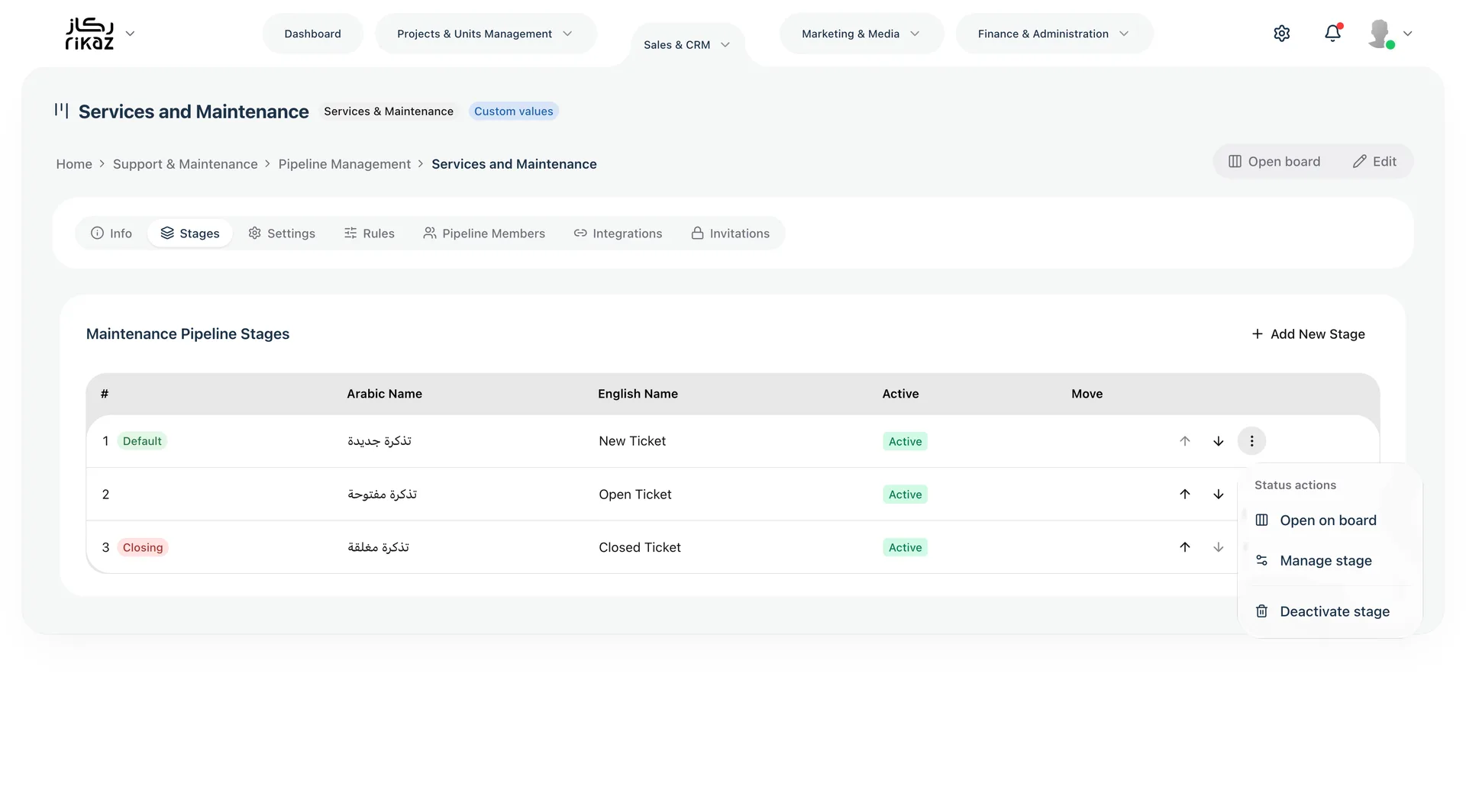
Diagnosis, quotation, approval, parts, visit, work progress, safety checks, and escalation.
- 04
Completion evidence, customer confirmation, satisfaction, warranty, repeat visit, and invoice handoff.
- 05
Proactive maintenance reminders and service history when included in scope.
Shared pipelines between tenants
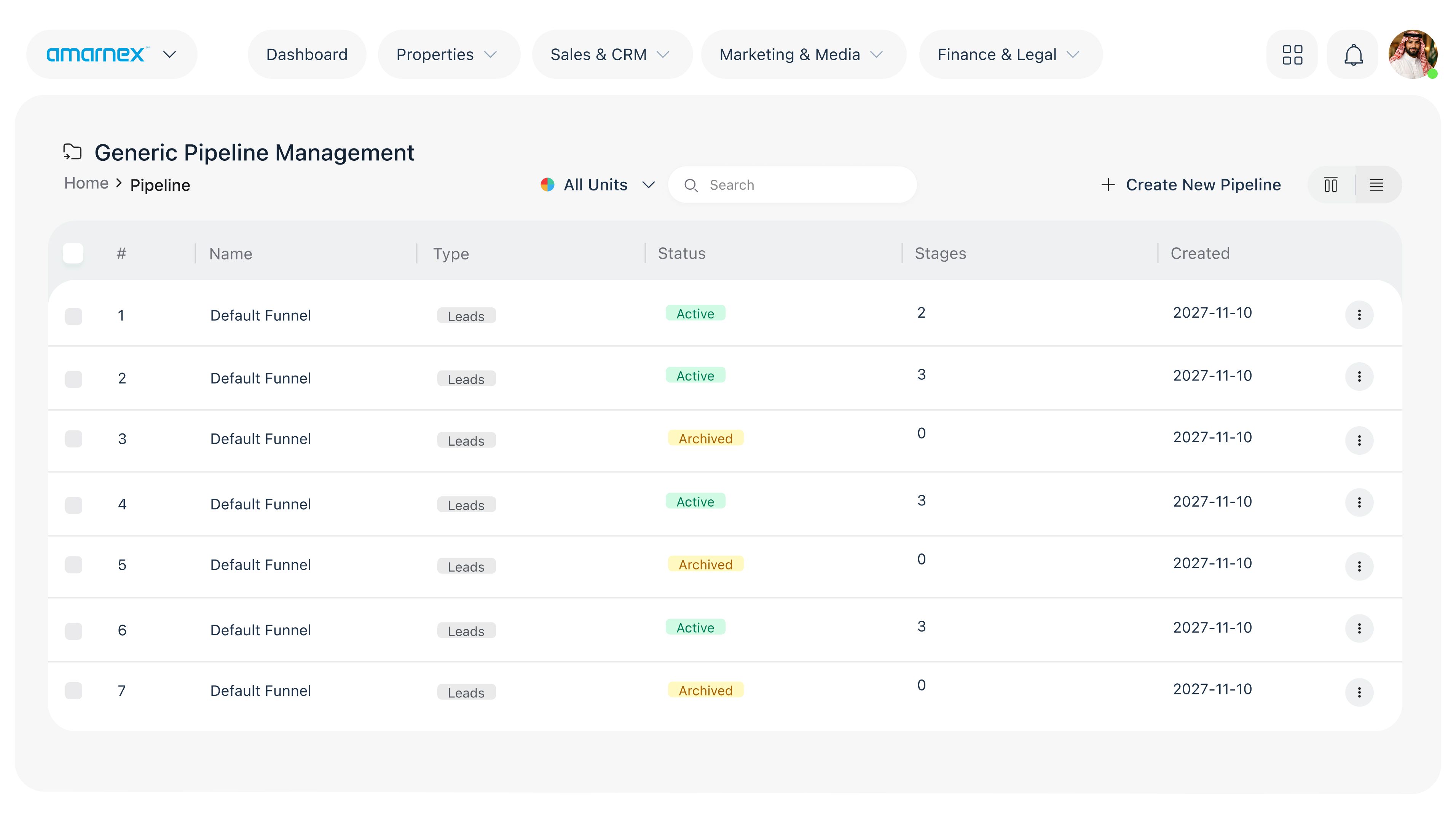
The originating tenant shares the minimum property, unit, contact, issue, access, priority, and SLA information. The contractor returns appointment, status, estimate, approval request, evidence, completion, and service result. Internal staffing, margin, suppliers, and unrelated customer data remain private.
Sharing principle
Each shared pipeline exposes only approved records, fields, stages, documents, tasks, and performance indicators to named counterpart tenants. Every tenant keeps its own users, credentials, social-media accounts, communication channels, internal notes, and unrelated customer data. Permissions, ownership, edit rights, expiry, and audit history are configured for every relationship.
Recommended modules
Browse the module catalogService Request Management
Capture and classify maintenance demand with ownership and priority.
Scheduling and Field Operations
Assign teams, visits, routes, access, and real-time status.
Work Orders and Approvals
Manage diagnosis, quotation, approval, tasks, parts, and completion.
Customer Communications
Coordinate appointment and progress updates across approved channels.
Documents and Evidence
Store photos, reports, checklists, warranties, and sign-off.
Shared Service Pipelines and SLA Reporting
Give each property partner controlled operational visibility.
Recommended features
Browse the feature catalog- Property and unit-aware service history.
- Priority, SLA, assignment, and escalation timers.
- Mobile-friendly technician tasks and checklists.
- Quotation and approval gates.
- Appointment reminders and customer notifications.
- Before-and-after evidence and completion confirmation.
- Partner dashboards for backlog, response, resolution, repeat visits, and satisfaction.
Example connected journey
- 01
A tenant reports an issue.
- 02
The property operator assigns it through a shared pipeline.
- 03
The contractor schedules a technician.
- 04
The contractor requests approval if needed.
- 05
The contractor sends progress updates.
- 06
The contractor records completion evidence.
- 07
The contractor collects feedback and returns the result to the property record.
Business benefits
- Faster response with clearer accountability.
- Fewer missed appointments and status calls.
- Better evidence and first-time resolution discipline.
- Transparent SLA performance for property partners.
- Private control of contractor users, costs, and supplier operations.
Why this configuration matters
Customers judge the property experience through service delivery. A connected pipeline keeps them informed and gives the property organization visibility, while the contractor retains operational control.
Governance and rollout
Start with the pipeline stages, information ownership, sharing rules, service levels, and success measures agreed by the participating tenants. Configure the required modules, train each team for its role, and review performance without exposing unrelated tenant data. Availability of each module, connector, AI capability, and automated action remains subject to the purchased scope, local requirements, and implementation validation.
Other use cases
Design Your Tenant Workflow
Confirm stages, information ownership, sharing rules, and the modules this tenant needs.